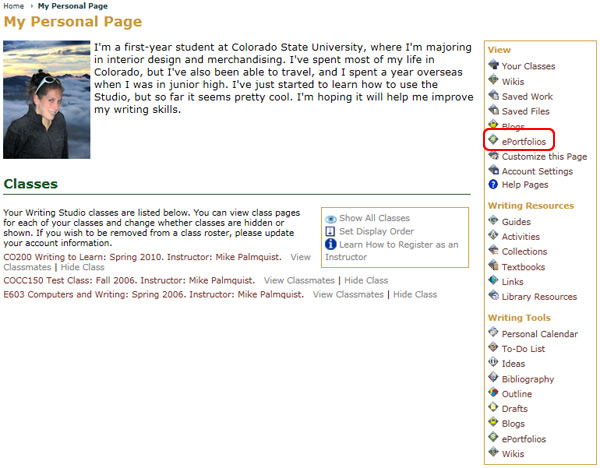
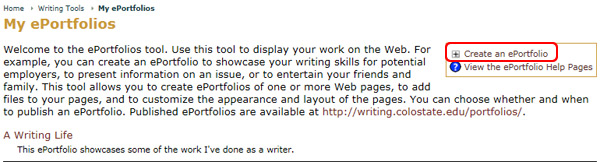
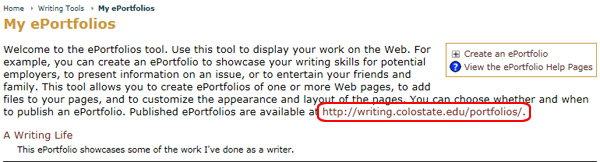
Use the ePortfolio tool to display a collection of your work on the Web. For example, you can create an ePortfolio to showcase your writing skills for potential employers, present information on an issue, or entertain your friends and family. This tool allows you to create ePortfolios in one or more Web pages, add sound, video, audio and text files to your pages, and customize the appearance and layout of the pages. When you've completed an ePortfolio, you also have the option to publish it. If you are a Rhetoric Studio Instructor, you can use your ePortfolios as templates for class projects where students can collect and store their work.